
Construction Software With Live Pricing: 8 Tools Compared
· Editorial Team

Last Updated: November 3, 2026
Quick Summary
Construction software with live pricing pulls current material rates from builders' merchants and suppliers into your estimate, so quotes reflect today's costs instead of a static price list. DQM Construction includes live supplier pricing built into AI quoting, while most other tools in this comparison do not verify live supplier feeds.
- Live pricing value depends on the price source, refresh rate, override ability and traceability.
- Merchant feeds usually refresh daily or weekly, which is too slow for timber and copper.
- Test any live pricing claim by comparing five materials against your own merchant.
- DQM Construction suits UK trades wanting AI quotes with live material rates.
- Custom-priced suites like Buildertrend should be checked against your own merchants first.
Table of Contents
- Quick Comparison: Construction Software With Live Pricing
- How Live Supplier Pricing for Builders Actually Works
- 1. DQM Construction: AI Quoting With Live Supplier Prices
- 2. Contractor Foreman: Lower-Cost Project Management
- 3. JobTread: Budget-Friendly Job Management
- 4. Fieldwire: Field Plans and Punch Lists
- 5. Buildertrend: Custom-Priced Management Suite
- 6. Procore: Enterprise Estimating and Cost Control
- Frequently Asked Questions
Quick Comparison: Construction Software With Live Pricing
Construction software with live pricing connects your quotes to current supplier rates, so material costs reflect what you will actually pay rather than last year's figures. This guide compares six tools on live supplier pricing, cost tracking and UK trade workflows.

Here is the short version before we go deeper. You can also check the price and what's included in the all-in-one plan before comparing tools.
| Tool | Reported Starting Price | Free Option | Live Supplier Pricing | Best For |
|---|---|---|---|---|
| DQM Construction | Free trial; see pricing page | Yes | Yes, built into quoting | UK trades wanting AI quotes with live material rates |
| Contractor Foreman | £49/month (reported) | No | Not verified | Lower-cost project management |
| JobTread | £40/month (reported) | No | Not verified | Budget job management |
| Fieldwire | Free tier reported | Yes | No | Field plans and punch lists |
| Buildertrend | Custom quote | No | Not verified | Tailored management suite |
| Procore | £500/month (reported quote) | No | Not verified | Enterprise estimating and cost control |
How Live Supplier Pricing for Builders Actually Works
Live supplier pricing is a feed of current material rates from builders' merchants and suppliers, pulled into your estimate so a quote is built on today's costs rather than a static price list. Its value depends on three things: where the prices come from, how often they refresh, and whether you can override them when your own merchant gives you a better deal.

Most guides skip this part, so here is what to ask before you trust any "real-time pricing" claim:
- Source: Does the price come from a named merchant's trade list, a national pricing database, or a best-guess average?
- Refresh rate: Daily, weekly, or on request? Timber and copper move faster than bricks.
- Override: Can you lock in your own negotiated rate when it beats the feed?
- Traceability: Does the quote show which supplier and which date each price came from?
Where the prices actually come from
There are three common sources. The first is a direct feed from a merchant's trade portal, the merchant publishes a rate file and the software ingests it. The second is a national pricing database that aggregates many merchants and publishes a representative rate per product. The third is a modelled or averaged price, estimated from historical data rather than a live supplier list. Ask which one you are getting before you compare features.
How often prices refresh, and why it matters by trade
Refresh frequency is usually daily or weekly for merchant feeds, and on request for database lookups. That cadence is fine for bricks, blocks and drainage, where rates move slowly. It is not fine for timber, copper, insulation and steel, where promotions and commodity movements can shift a rate within days. A roofer pricing battens and membrane on a Monday may find the same line 4-6% different by Friday. The software can only show you the date stamp so you know how stale the number is.
Supplier coverage and regional availability
Coverage is the quiet limitation. A feed built around national merchants covers the products those merchants stock, but a local independent yard may not appear at all. Coverage also varies by region: a merchant network strong in one part of the country may be thin in another, and a price that is live for a London postcode may be an average for a rural one. Before you buy, ask the vendor to show you the merchant list for your area and the product categories it covers, not the total number of suppliers, which flatters the figure.
How to verify a price instead of trusting the label
You can test any 'live pricing' claim in an afternoon. Pick five materials you buy regularly, note the software's price and date stamp for each, then ring your own merchant for the same five and compare. If the software price is within a few per cent and the date is recent, the feed is doing its job. If the prices are wildly out or undated, you are looking at a modelled average. Repeat a week later to see whether the refresh actually happened.
A common mistake is assuming live pricing removes the need to check. It removes the manual data entry, not your judgement. For a repeatable process for reviewing supplier price lists and protecting margin, read the supplier pricing workflow we recommend.
What live pricing does not cover
Check how any software you consider handles non-material lines such as labour and plant before you assume the whole estimate is live. Construction estimating software built for UK trades drafts labour, materials, plant and waste using trade-specific UK guide rates, then calculates profit, margin and VAT before you quote.
1. DQM Construction: AI Quoting With Live Supplier Prices
DQM Construction is an intelligent workspace that uses AI to analyse site photos, measurements and voice-recorded job details to generate professional quotes, and integrates live supplier pricing, material research and project management tools.
The AI asks only for the job-specific information it is missing, so there is no fixed questionnaire to work through. You can see the full quote-to-payment process behind the tool, from first look to final payment.
Best for: sole traders and small construction firms who want accurate quotes in minutes and a clear view of profit per job. Skip if: you only need drawing markups and punch lists, where a field-focused tool fits better.
Where it falls short: if your main supplier is not online and never will be, you will still enter some rates by hand, but once, not on every quote.
2. Contractor Foreman: Lower-Cost Project Management
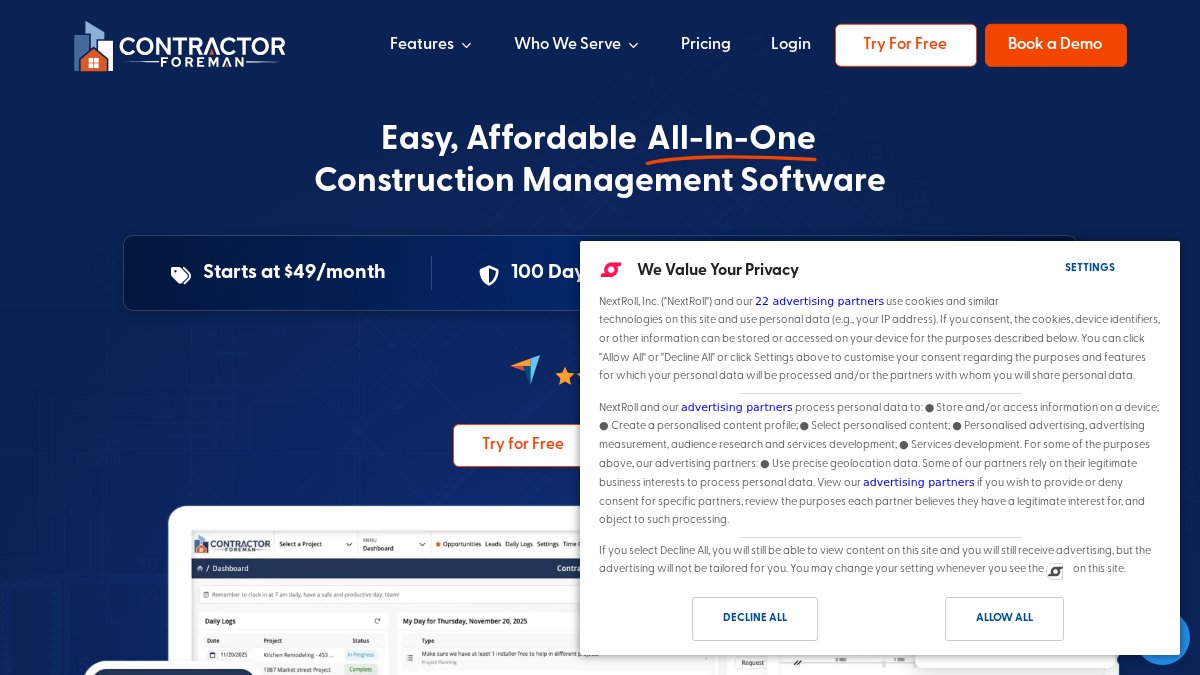
Best for: contractors who mainly need job scheduling and project oversight at a lower monthly cost. Skip if: live material rates are the reason you are shopping.
The honest limitation: the supplied listings do not verify which features sit in which plan, how many users you get, or the current UK price. Ask for a demo and a written quote before you migrate anything.
3. JobTread: Budget-Friendly Job Management
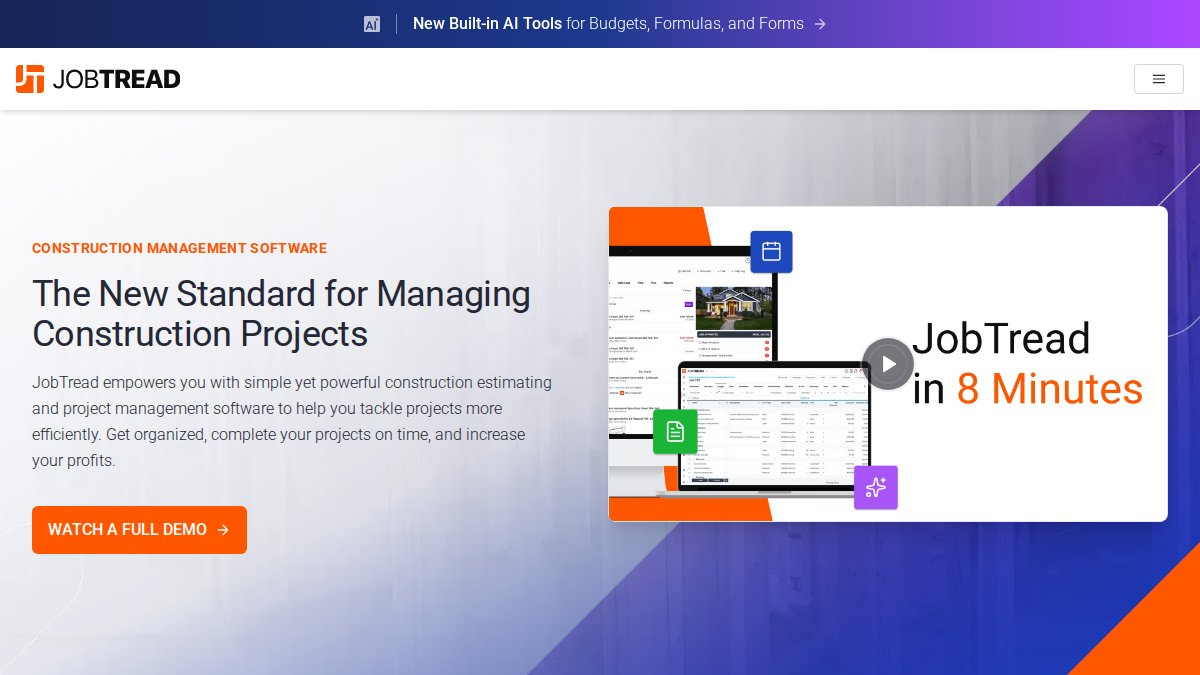
Best for: small construction businesses comparing project management tools primarily on price. Skip if: you need supplier price feeds feeding directly into estimates.
What most reviews miss is the migration cost. Moving live jobs, contacts and templates between platforms takes time you will not get back, so factor a quiet week into any switch.
4. Fieldwire: Field Plans and Punch Lists
Best for: site teams coordinating drawings and snagging lists on the ground. Skip if: you are buying it expecting estimating or live material pricing. That is not what it is built for.
A common mistake is buying a field tool to solve a quoting problem. They are different jobs, and no amount of plan markup will price a kitchen extension.
5. Buildertrend: Custom-Priced Management Suite
Best for: established firms that want a management suite and are comfortable with a sales conversation. Skip if: you want to see the price on a page and decide today.
What actually drives the quoted figure
Custom pricing is usually built from four levers: user seats, modules switched on (estimating, scheduling, client portal, financials), volume of active projects, and contract length. Two firms of the same size can be quoted very different numbers because one asks for the full suite and the other for estimating and scheduling only. Go into the call with a written list of the modules you need and the seats you will actually use, and ask for the quote broken down by line.
The total cost of ownership question
Subscription is only part of the bill. Ask about onboarding and implementation fees, data migration, training, and any add-on modules priced separately. A common pattern is a modest monthly subscription paired with a one-off setup charge that can run into four figures for a multi-user firm. Ask for the first-year total, not the monthly headline, and what happens to the price at renewal.
The thing nobody tells you about custom pricing
The number you are quoted depends partly on how many seats and modules you ask for, so go in with a clear list of what you actually need. It also depends on how well you negotiate: vendors with custom pricing often have room to move on multi-year contracts or seats added later. Get the quote in writing, with the module list and seat count attached, so the renewal conversation starts from a known position.
Where it fits for live pricing
Buildertrend is a management suite first, so treat any live supplier pricing expectation with care until you have seen it working with your own merchants. Its strength is pulling estimating, scheduling and client communication into one place; the live-price question is a separate test you should run with the same five-material check described earlier.
6. Procore: Enterprise Estimating and Cost Control
Best for: larger contractors running multiple projects who need estimating and cost control in one system. Skip if: you are a two-person firm. The overhead will outweigh the benefit.
Where it falls short for trades: the depth that makes it strong on big projects is the same depth that slows down a one-day bathroom fit.

Frequently Asked Questions
What is construction software with live pricing?
It is estimating and job management software that pulls current material prices from supplier data feeds instead of relying on a static price list you update by hand. When you build a quote, the material lines reflect the latest known cost, so your margins are based on today's prices rather than last quarter's. The practical benefit is fewer quotes that lose money after a merchant price rise, plus a clearer view of committed costs as a job progresses.
Which construction software includes live supplier pricing?
DQM Construction integrates live supplier pricing directly into its AI quoting workflow, reading site photos, measurements and voice notes to build a quote with current material costs. Check each product's own documentation for which merchants and price sources are covered before you commit, because coverage varies and some suppliers are not online.
Can construction software connect to accounting tools such as Xero?
Before buying any construction software, ask the vendor which accounting tools it connects to, what syncs, and how often it runs.
How much does construction estimating software cost?
Costs vary widely. Some tools publish monthly subscriptions, others quote per business, and a few offer a free tier or free trial. Treat any published figure as a starting point only, and ask what user limits, supplier data and support are included at that level. For DQM Construction's current prices, see the pricing page or request a quote.
The gap between a quote that wins work and one that quietly loses money is usually a handful of material prices nobody checked. DQM Construction closes that gap by drafting quotes from site photos and voice notes, applying live supplier rates, and showing profit, margin and VAT before you send. It keeps quotes, programmes of work and compliance records in one workspace, and your team can log in and add their own jobs. Get started with DQM Construction and quote with numbers you can stand behind.
Talk to DQM — try it free Add dqmconstruction.co.uk as a preferred source on Google →
Frequently asked questions
- What is construction software with live pricing?
- It is estimating and job management software that pulls current material prices from supplier data feeds instead of relying on a static price list you update by hand. When you build a quote, the material lines reflect the latest known cost, so your margins are based on today's prices rather than last quarter's. The practical benefit is fewer quotes that lose money after a merchant price rise, plus a clearer view of committed costs as a job progresses.
- Which construction software includes live supplier pricing?
- DQM Construction integrates live supplier pricing directly into its AI quoting workflow, reading site photos, measurements and voice notes to build a quote with current material costs. Check each product's own documentation for which merchants and price sources are covered before you commit, because coverage varies and some suppliers are not online.
- Can construction software connect to accounting tools such as Xero?
- Before buying any construction software, ask the vendor which accounting tools it connects to, what syncs, and how often it runs.
- How much does construction estimating software cost?
- Costs vary widely. Some tools publish monthly subscriptions, others quote per business, and a few offer a free tier or free trial. Treat any published figure as a starting point only, and ask what user limits, supplier data and support are included at that level. For DQM Construction's current prices, see the pricing page or request a quote.